OpenAI’s “Plant Talk” Lets Your Houseplant Actually Talk to You. Here’s What It Really Is
Last updated: 03.07.2026.
A plant that talks back. It sounds like a gimmick from a science fair, and honestly it partly is, but this one comes from OpenAI, it is free, and you can build it in a weekend. It is called Plant Talk, and when the low humidity kicks in, your plant can literally tell you it is “parched” and would like “just a hint of humidity, please.”
Start here: For a complete overview, see our Indoor Gardening for Absolute Beginners.
I have not wired one up myself yet, so this is not a hands-on review. But I dug through OpenAI’s actual project to separate what it really is from the headlines, because “your ficus can now chat with you” is the kind of sentence that gets very exaggerated online. Here is the honest version: what Plant Talk actually does, what you need to build it, what it costs, and whether it is worth your weekend.
What Plant Talk actually is
Plant Talk is a free, open-source project OpenAI released (under the Apache 2.0 license) that gives a houseplant a voice using ChatGPT. You point a webcam at your plant, optionally wire up a couple of cheap sensors, and then you can have a real spoken conversation with it. Ask how it is doing and it checks its recent observations, looks at its current environment through the camera, and tells you what it needs, out loud, in a ChatGPT voice.
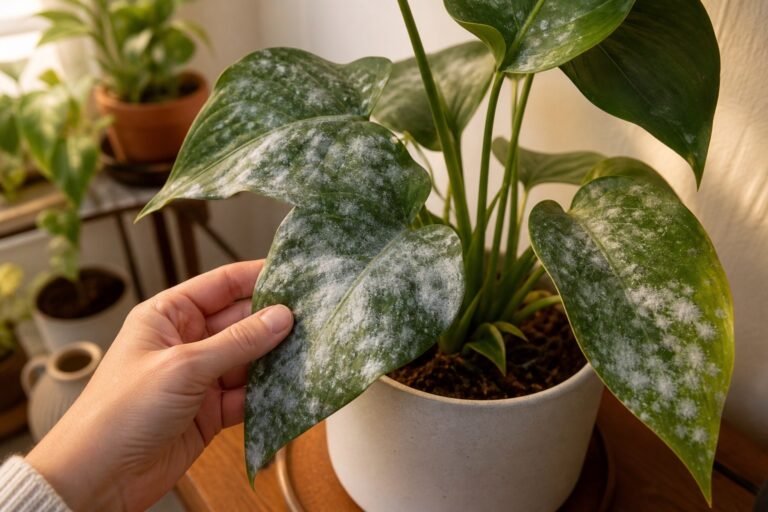
The important, unglamorous truth: the plant is not sentient and it is not “communicating” in any mystical sense. What is happening is that AI reads the sensor and camera data (soil moisture, light, visible leaf condition) and translates those readings into natural, spoken language. If the soil is dry, that gets voiced as thirst. If a leaf has spots, the camera notices and the plant “mentions” it. It is a friendly interface layered on top of the same environmental data a careful gardener already reads by eye. That is genuinely useful and also genuinely charming, but it is interpretation, not telepathy.
It is also worth being clear that this is a DIY builder project, not a polished gadget you buy off a shelf. OpenAI released it partly as a showcase for Codex, their AI coding agent, which walks you through the whole build.
What you need to build it
The setup is refreshingly minimal. At the bare minimum, you need:
- A laptop or desktop computer
- Google Chrome or Edge (it relies on browser features those two support best)
- A webcam and a microphone (built-in ones are fine)
- An OpenAI account with API access (if you use ChatGPT, you already have the account)
- A houseplant of your choosing
That is the whole minimum build. The camera alone lets the AI assess the plant visually.
For the version that actually works well, you add cheap electronics:
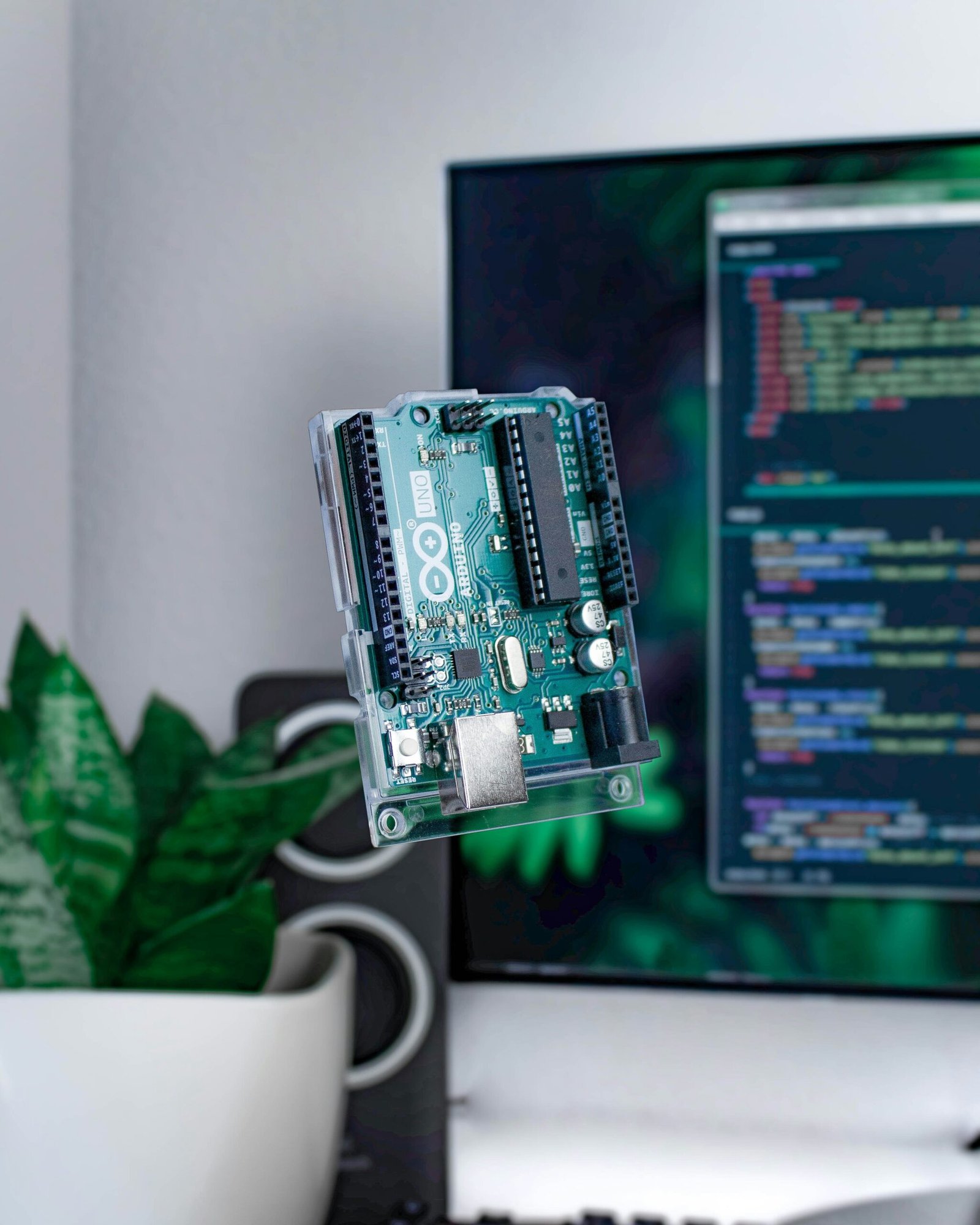
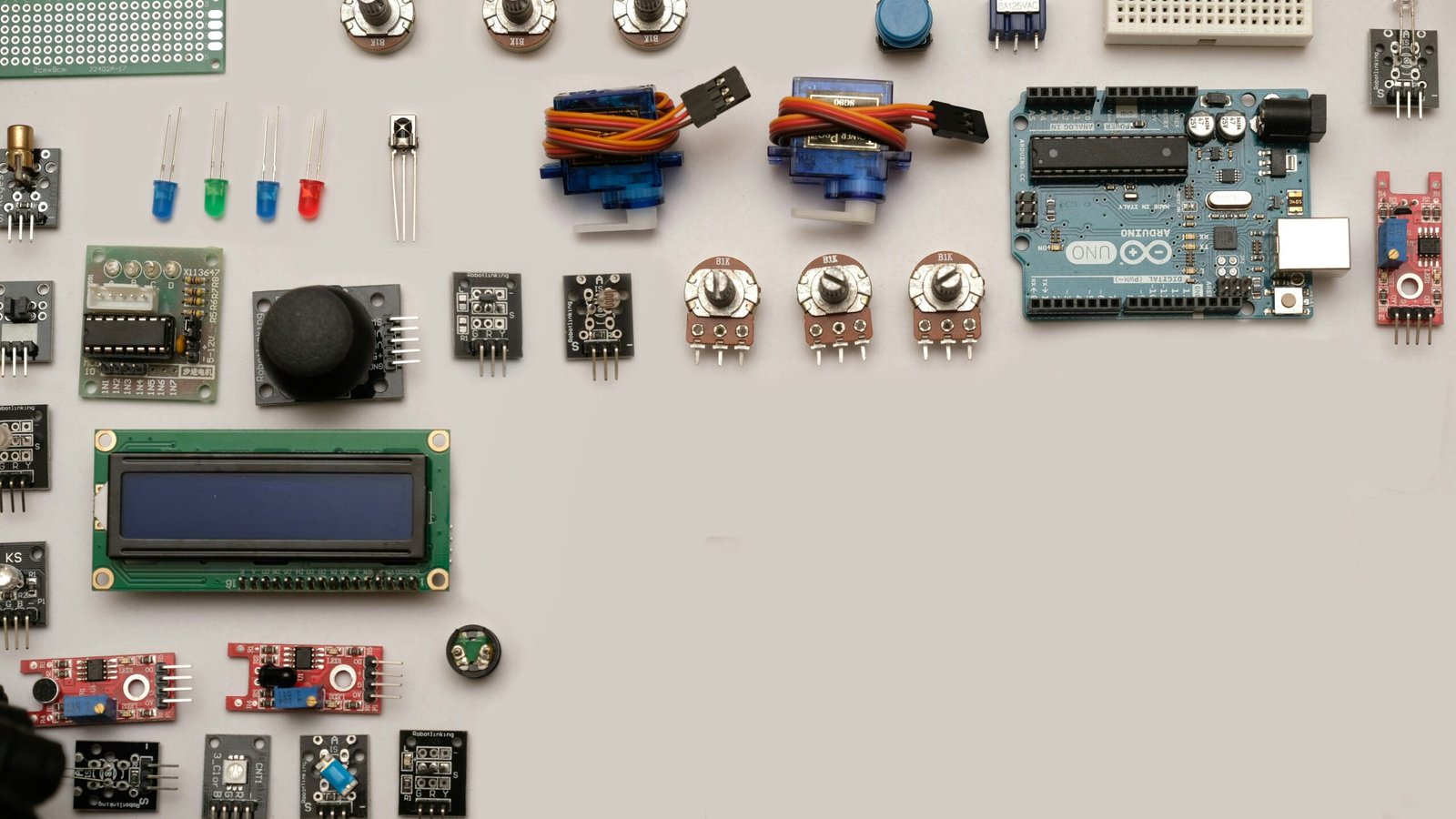
- An Arduino-compatible microcontroller with a USB cable
- A capacitive soil moisture sensor
- An LM393 light sensor module
- Jumper wires and a small breadboard
OpenAI is upfront that the system runs without the Arduino, but that camera-only mode is much less accurate, since it is guessing from what it can see rather than measuring the soil. The sensors are what turn it from a novelty into something that actually knows the plant is dry.
What it costs
The software is free. The costs are the hardware and the API usage.
If you already own a laptop with a webcam, the camera-only version costs you basically nothing beyond a bit of OpenAI API usage. Adding the sensor kit is cheap: an Arduino starter kit with the sensors, wires, and breadboard runs roughly $30 to $60 in the US, about £25 to £48 in the UK, and around €35 to €56 in Germany, available from the usual electronics sellers or the maker section at a big-box store. You will also pay OpenAI API costs for the voice conversations, which are usage-based, so a chatty plant that runs all day costs more than an occasional check-in. Budget a few dollars a month of API use for casual use, more if you leave it running.
So realistically: free to try with just a camera, and a modest one-time hardware cost plus small ongoing API fees for the full experience.
Is it actually useful, or just a toy?
Both, and I mean that as a compliment. It is unquestionably a novelty. Your monstera announcing it is “absolutely beaming” in good light is delightful and completely unnecessary. But underneath the charm there is a real idea: it turns the invisible, easy-to-ignore signals of plant care into something impossible to ignore, a voice.
Most plant deaths come from misreading exactly the signals Plant Talk voices. People overwater because they cannot feel that the soil is still damp, the number one killer covered in how to save an overwatered plant. They miss that a plant is leggy and stretching for light, or misread yellowing leaves and brown tips. A gadget that says “the soil is still wet, please do not water me” out loud is, weirdly, solving a genuine problem, the same guesswork that our whole watering guide exists to teach.
Will it replace learning to read your plants yourself? No, and it should not. The skills in these guides still matter, and a sensor can fail or mislead. But as a way to make plant care more engaging, to get kids or reluctant plant owners to pay attention, or frankly just to have fun with a houseplant on a rainy afternoon, it is a genuinely clever use of the technology.
Should you build one?
If you enjoy a weekend project and have a spare houseplant, yes, it is a low-cost, high-delight build, especially with the sensors. If you are not into fiddling with electronics and code, this probably is not for you yet, since it is a builder’s project rather than a finished consumer device. Give it a year and someone will likely sell a plug-and-play version.
You can find the full project, the parts list, and the build guide on OpenAI’s official Plant Talk repository. And if all this talk of what your plant is “trying to say” has you curious about reading those signals the old-fashioned way, our guides on curling leaves, watering, and whether you need a grow light cover everything Plant Talk is voicing, no wiring required.
A talking plant is a gimmick. But it is a gimmick pointing at something real: most of us are terrible at hearing what our plants need, and sometimes it takes a literal voice to make us listen.